
|
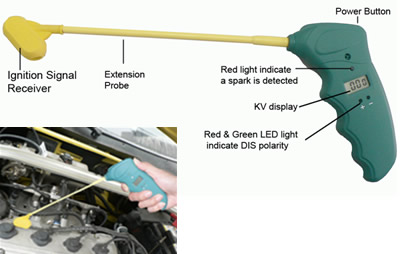
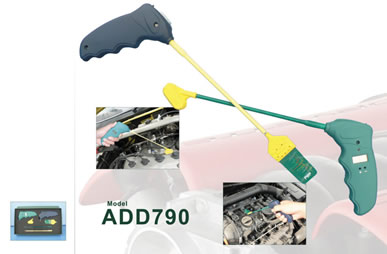
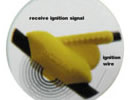
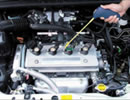
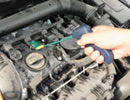
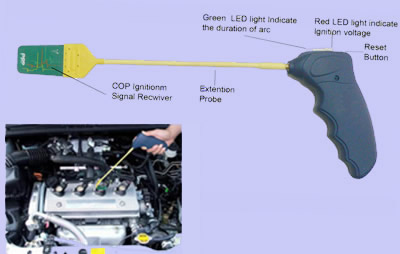
The Coil On Plug (COP) Quick Ignition tester is a battery-operated, hand-held quick tester designed to easily and quickly determine if a COP is producing a proper spark for the plug. The quick tester works by receiving a signal from the secondary ignition coil. Once the signal is received, the tester determines if the COP is producing the correct amount of voltage and the duration of the arc. If the voltage is correct, the tester beeps and the red LED light flashes; and if the duration of the arc is correct, the green LED will also flash |
|
Test Results Red LED Light Consistent, steady flashing and beeping indicates the COP is producing the correct amount of voltage. No response or an inconsistent response indicates the COP is NOT producing the correct amount of voltage. This may be caused by one of the following:
Green LED light |